Rename a Datastore
To rename a Datastore click on Settings on the bottom left side of the page.
Then click on the Datastore Name option and rename your Datastore accordingly, once done click Save.
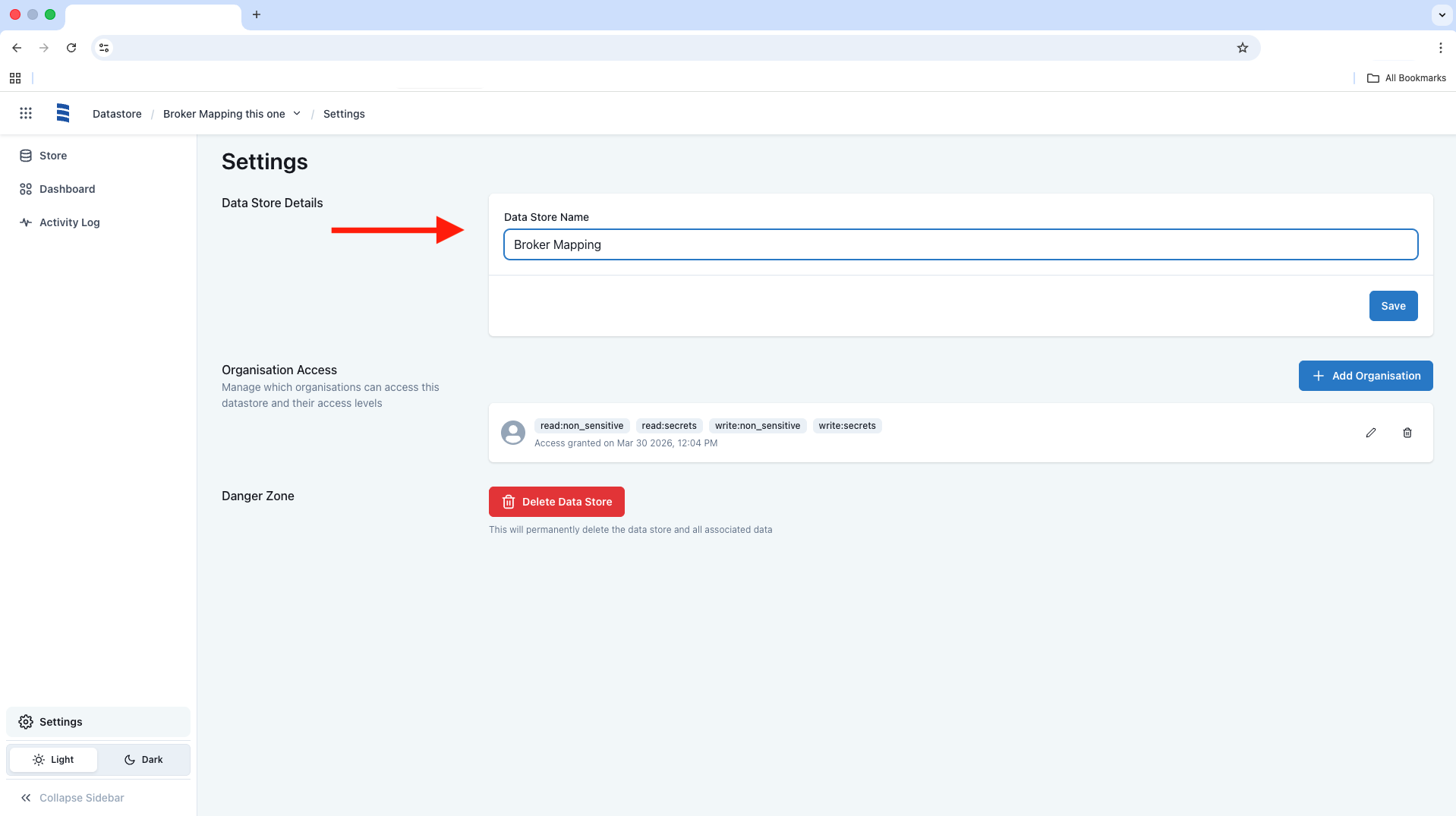
To rename a Datastore click on Settings on the bottom left side of the page.
Then click on the Datastore Name option and rename your Datastore accordingly, once done click Save.