Delete a Datastore
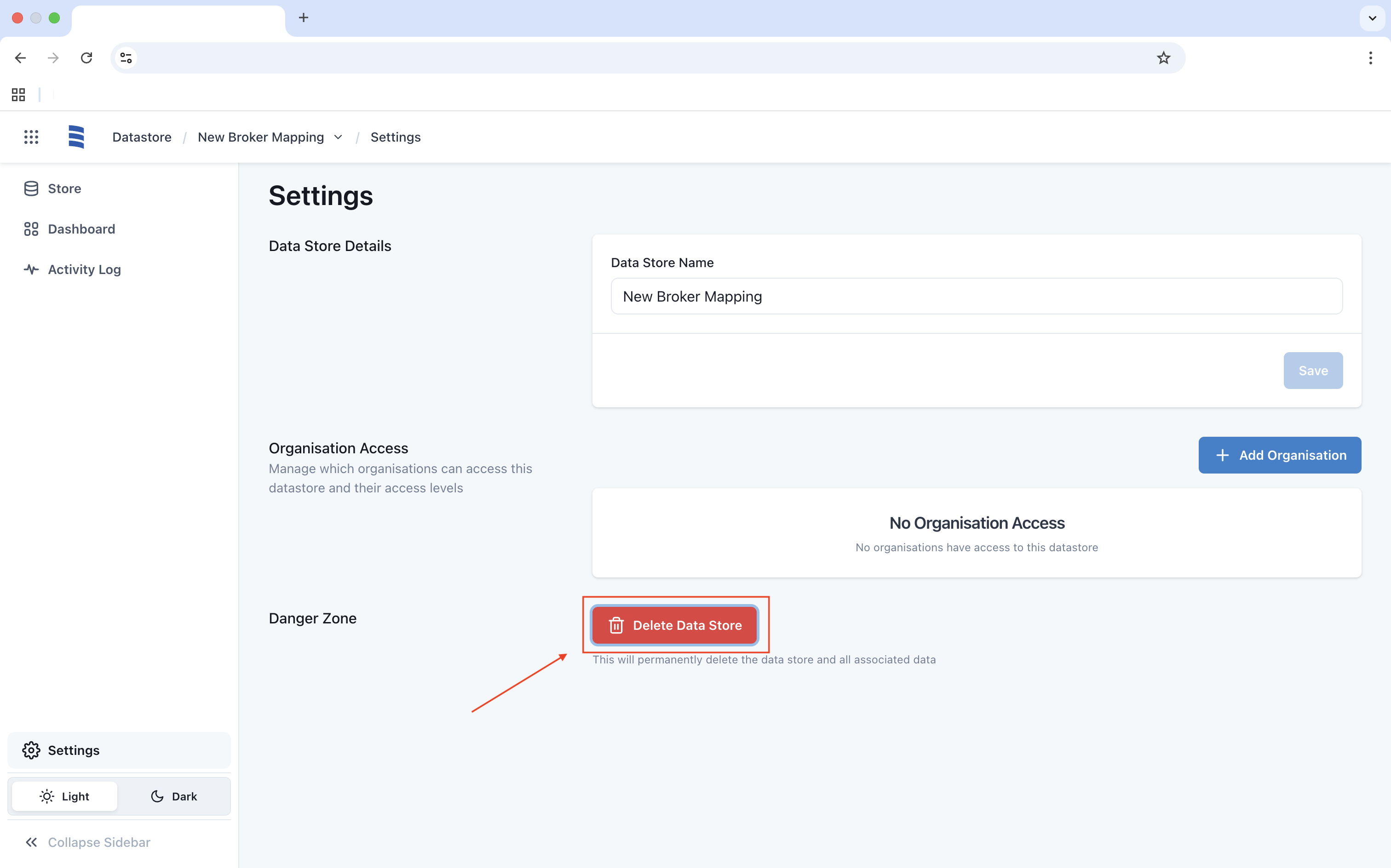
To delete a Datastore that is no longer needed, click on Delete Datastore in Settings.
After clicking Delete Data Store, a new window will appear. Confirm the deletion by entering the name of the Datastore, then click Delete to finalise the process.