Modifying Data
Modifying an Item
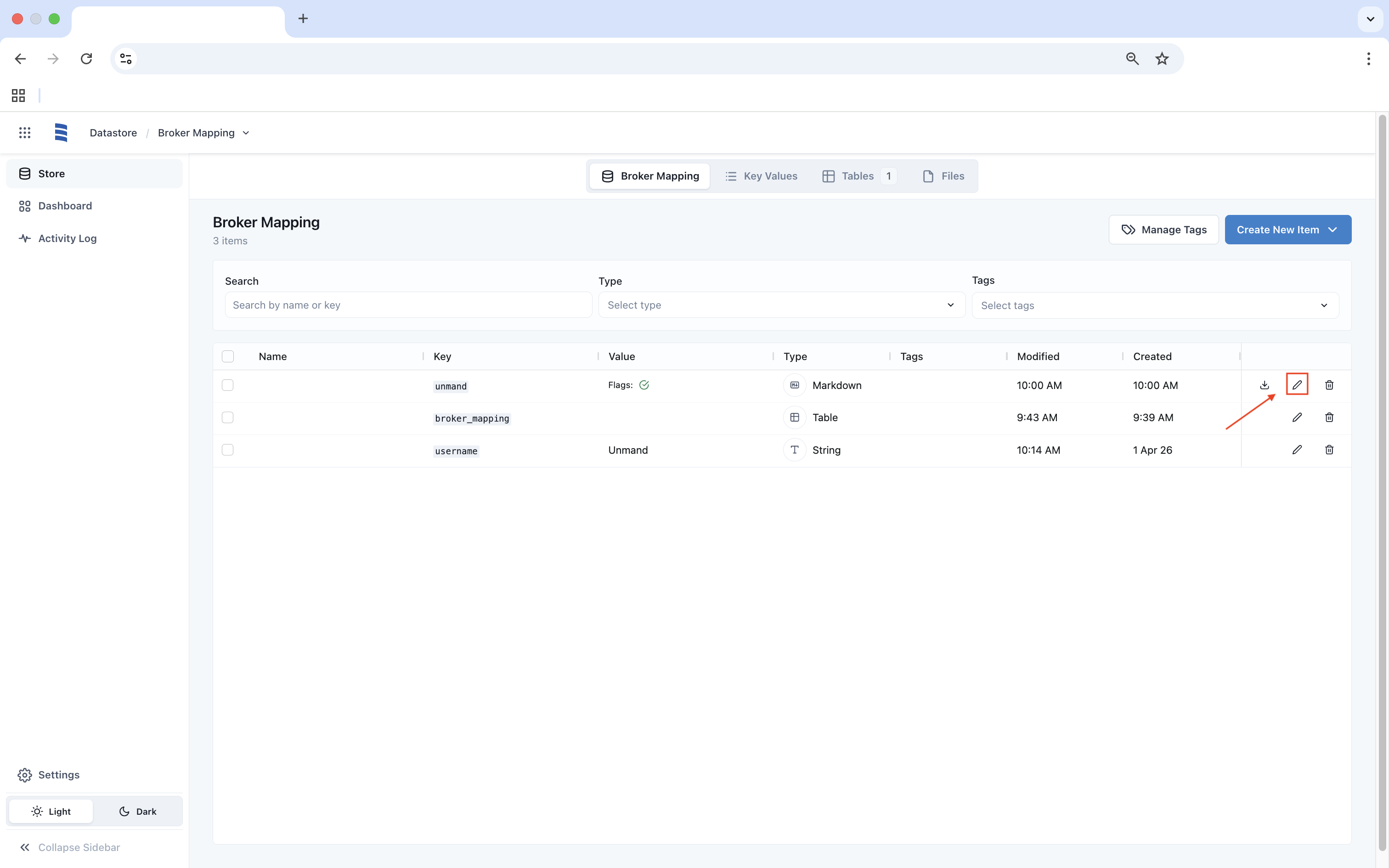
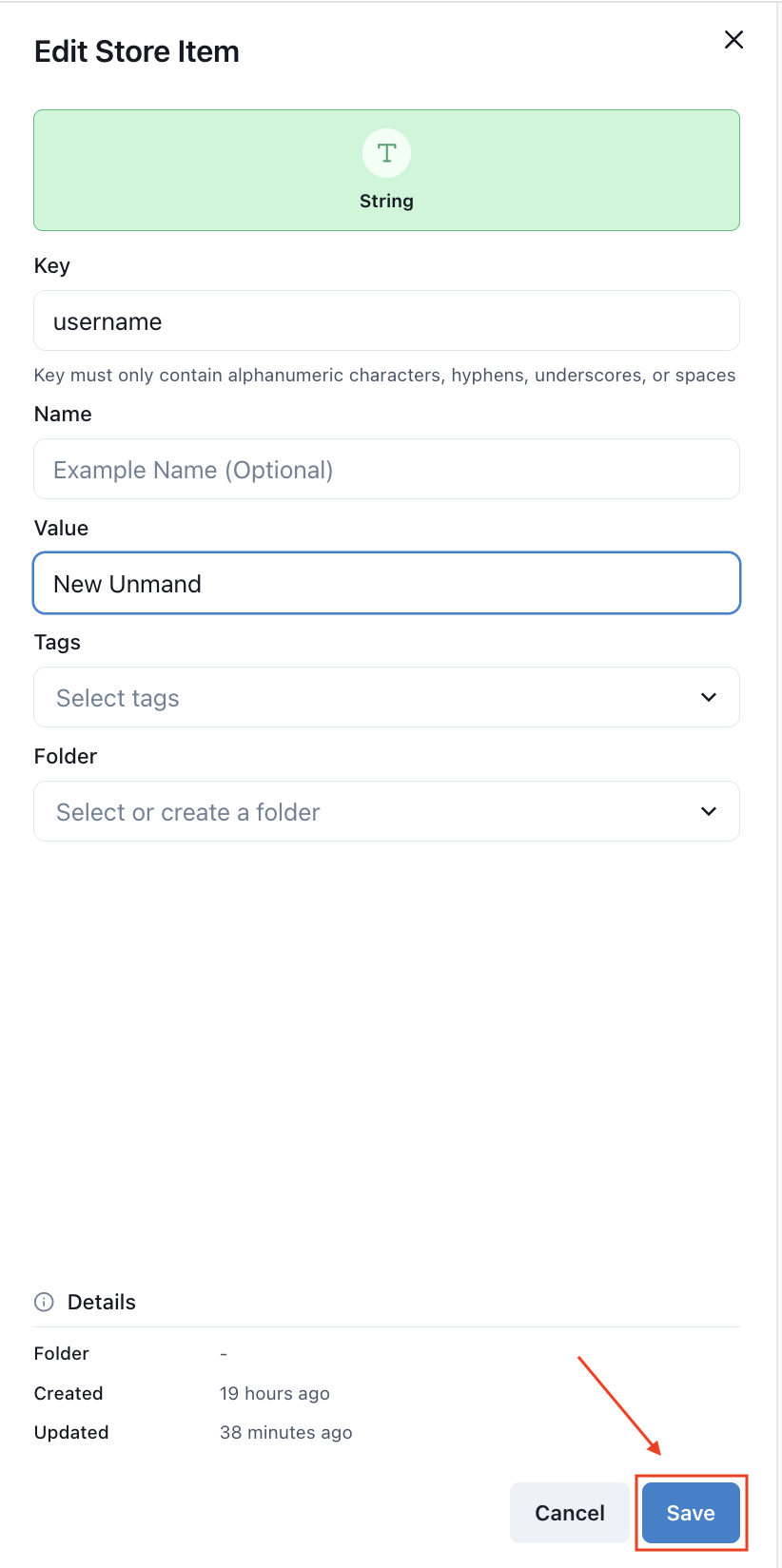
You can change the value of an item in the Datastore by clicking on the Edit button, then entering a new value. When finished, click the Save button.
Modifying a Table
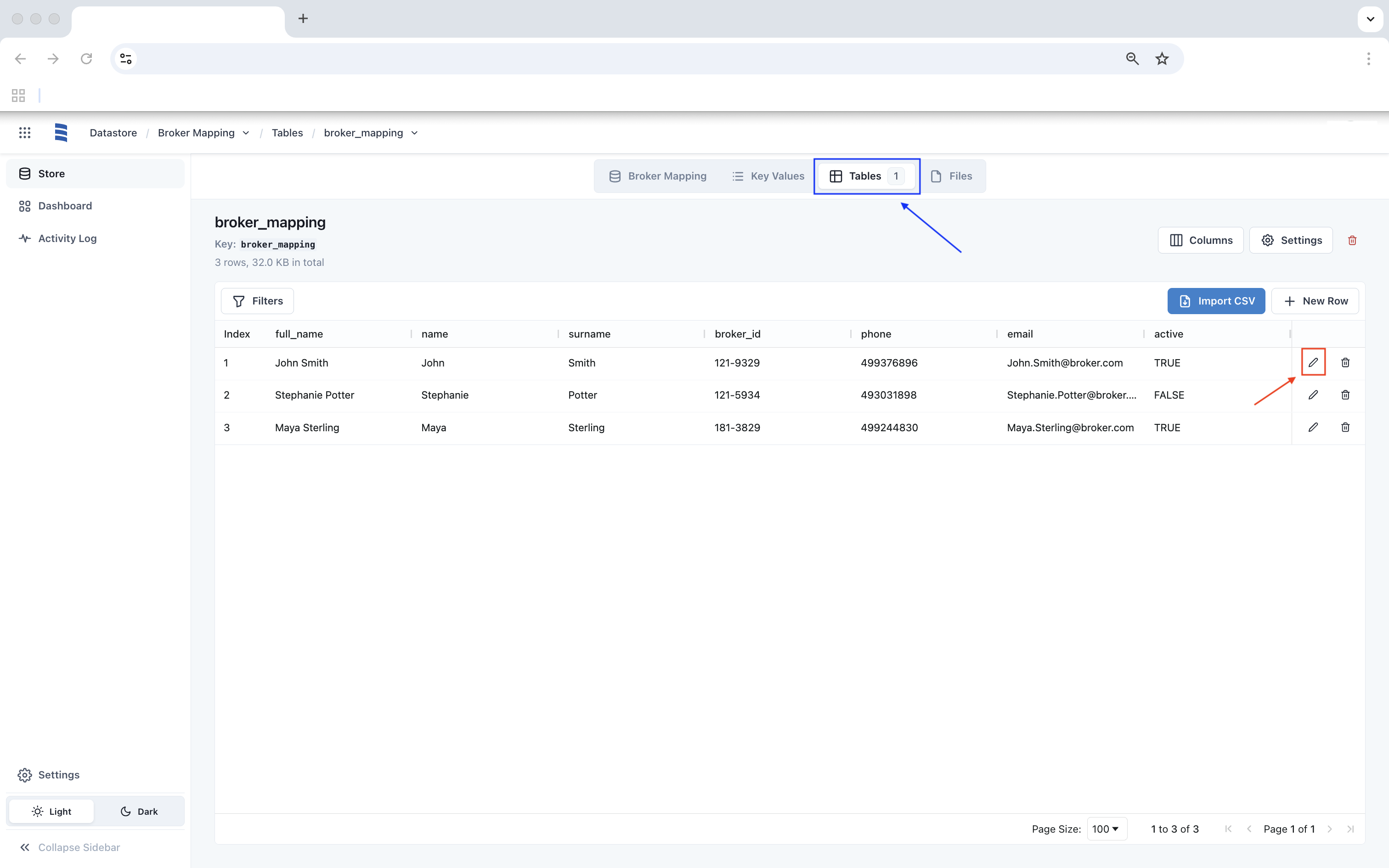
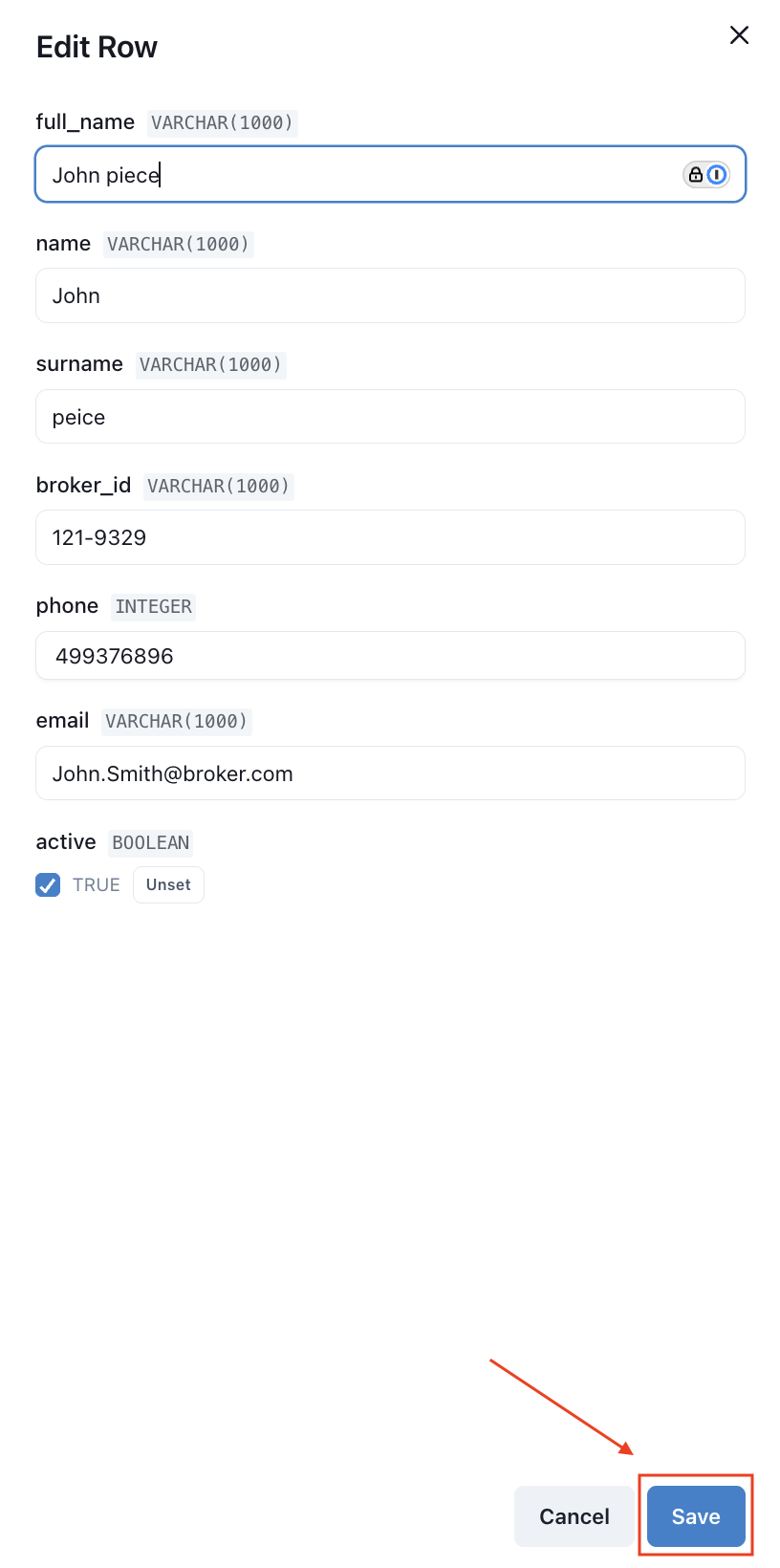
You no longer need to import a file to update a Datastore. Instead, click Tables and then click Edit. When finished, click Save.
Deleting an Item
To delete an item in the Datastore, click Delete to the right of the Edit option. Then click Delete Store Item in the pop-up window.