Creating a Datastore
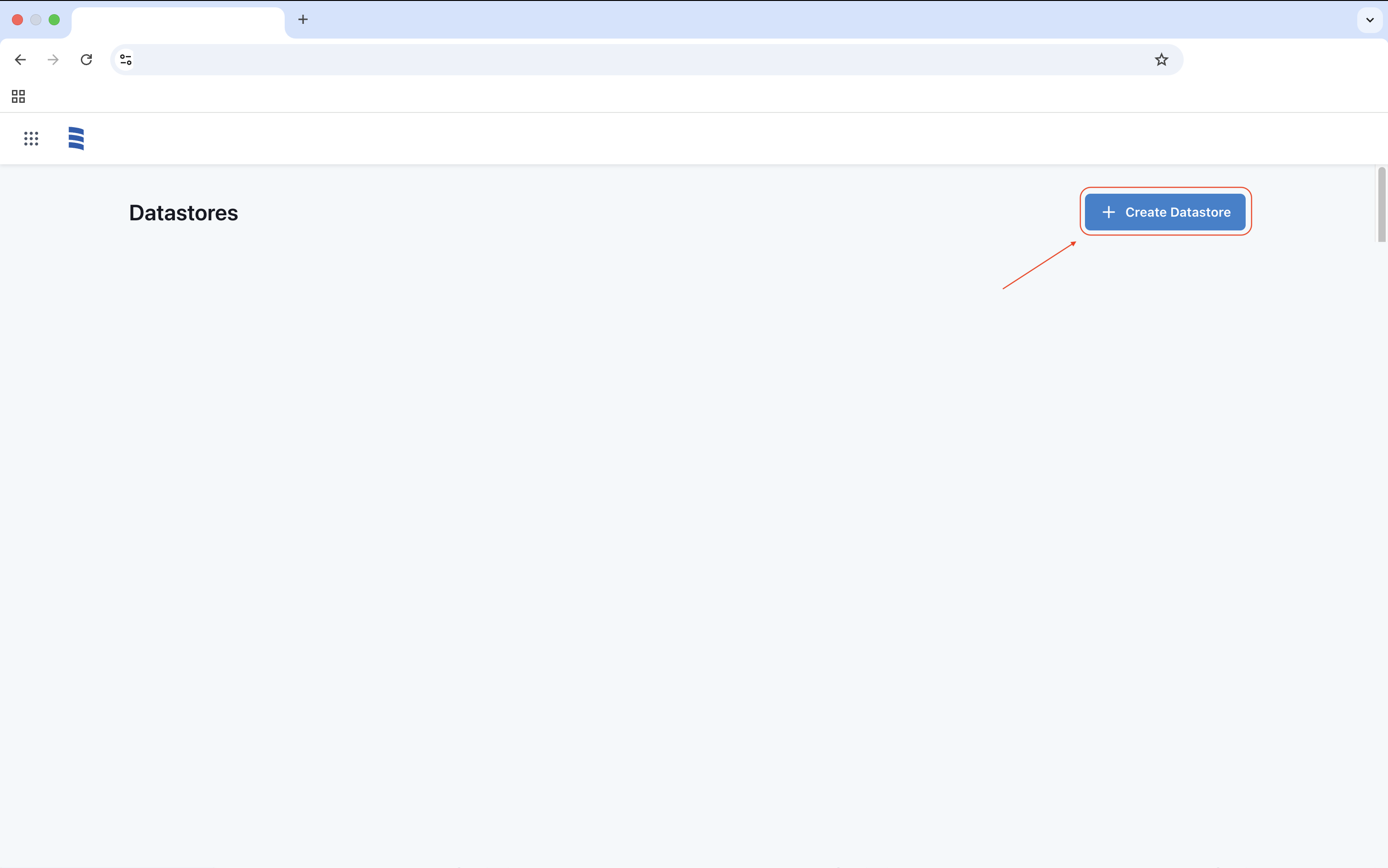
Click Create Datastore to initiate the process.
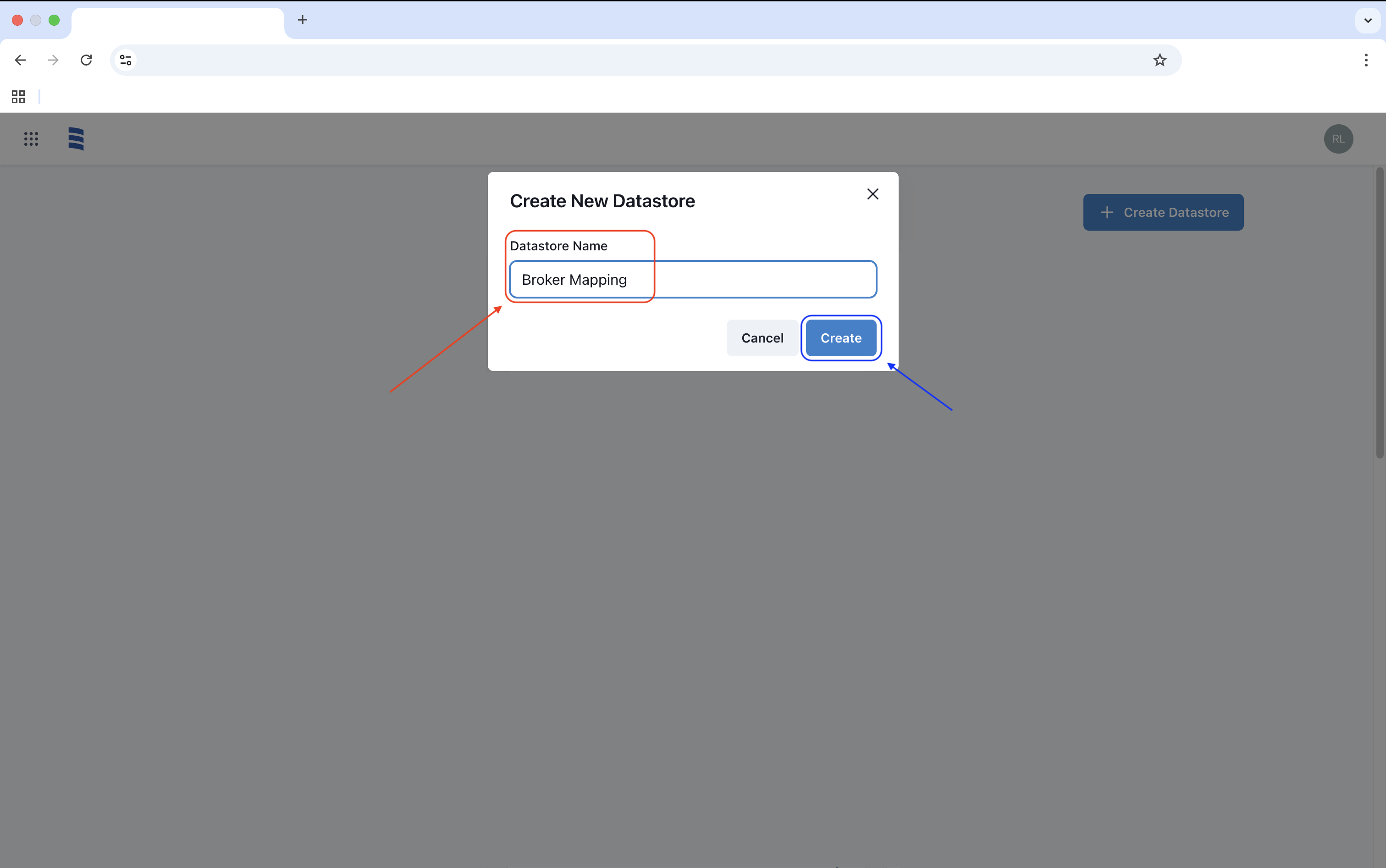
After clicking Create, the Create New Datastore window will appear. Enter the desired name and click Create to generate your Datastore.
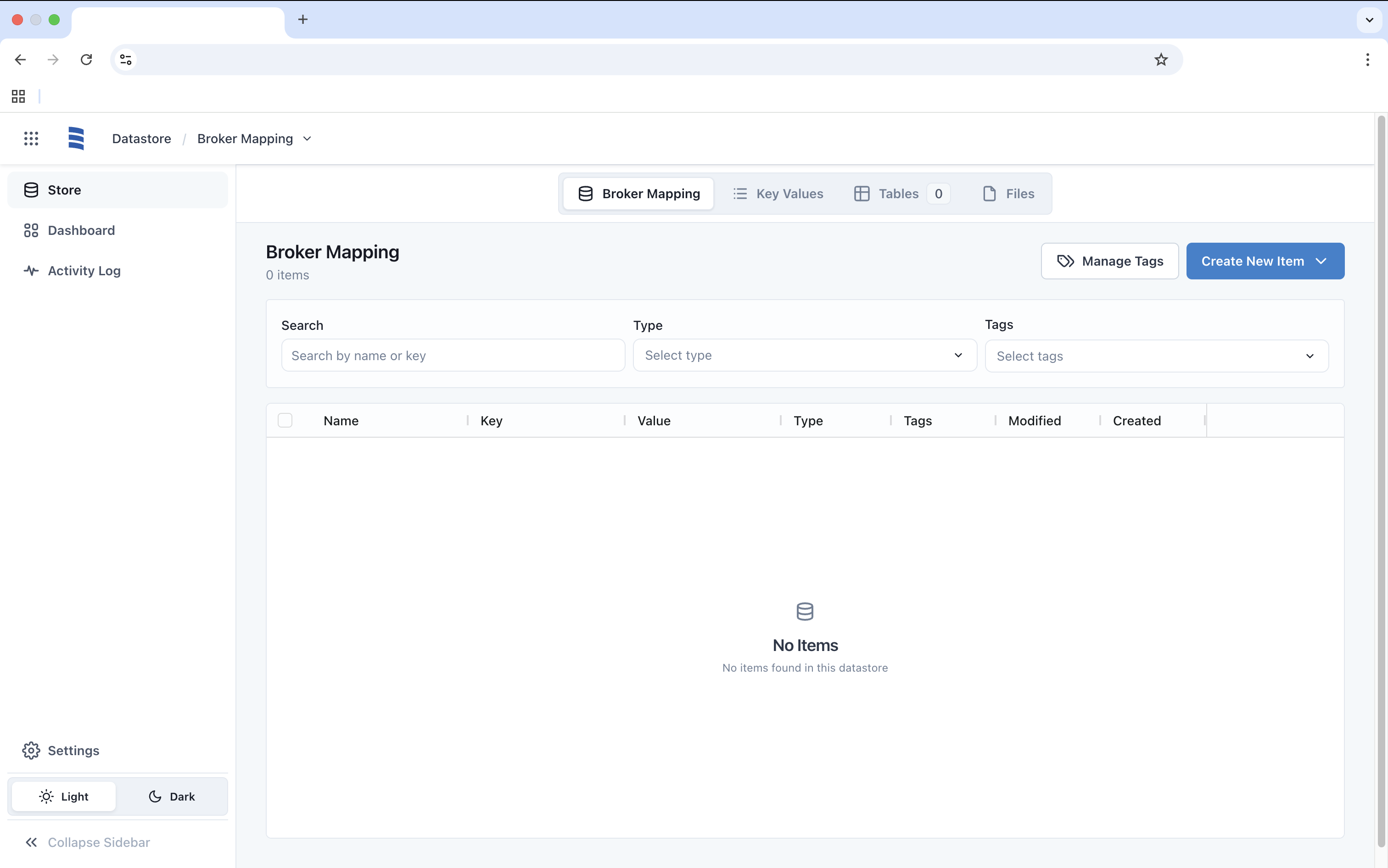
Once the Datastore is created, you will be directed to the Datastore Overview, where you can begin creating new items according to your needs.