Adding Data to a Datastore
Adding Datastore Items
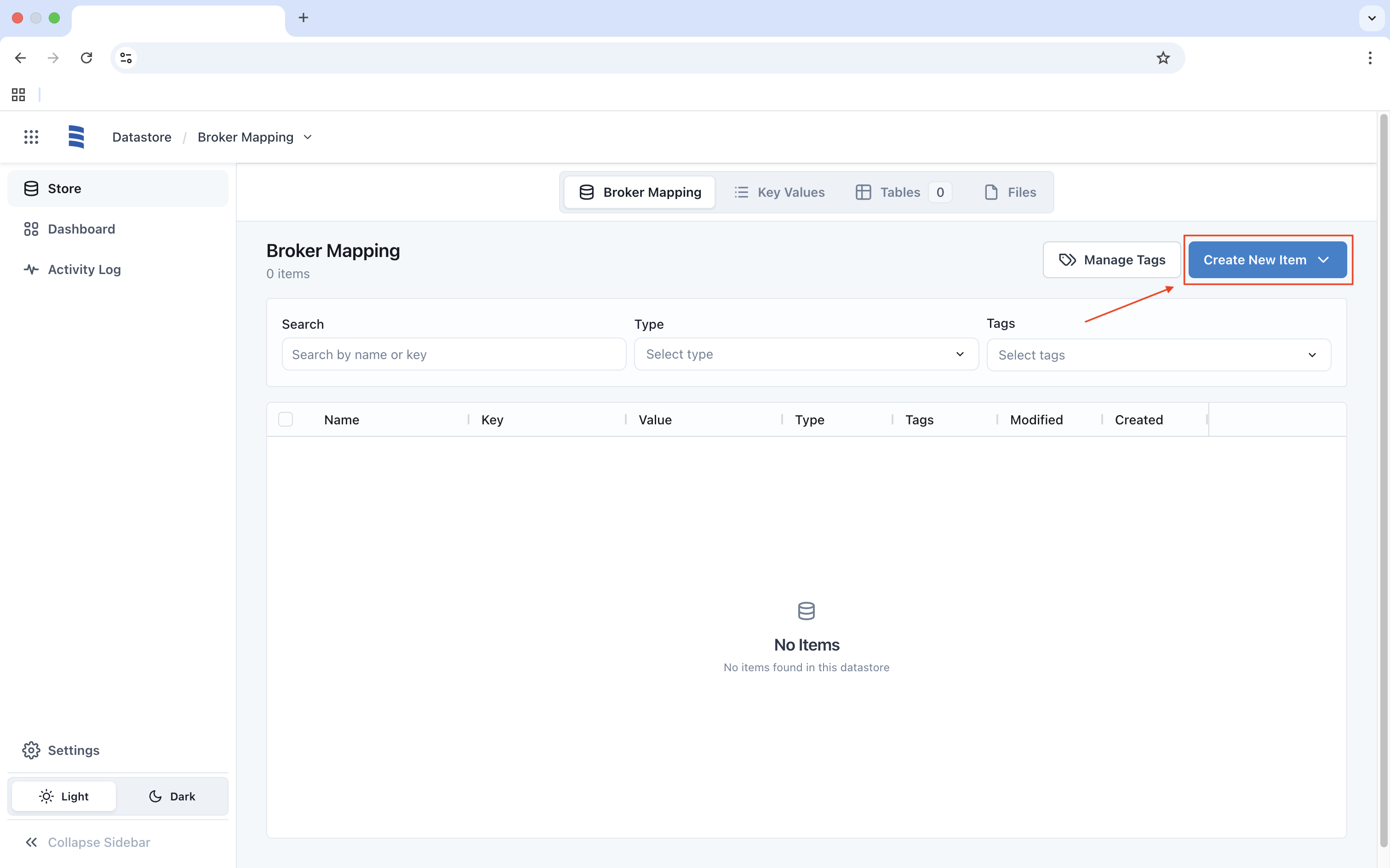
To add a new item to a Datastore, click on Create New Item to add items to the Datastore.
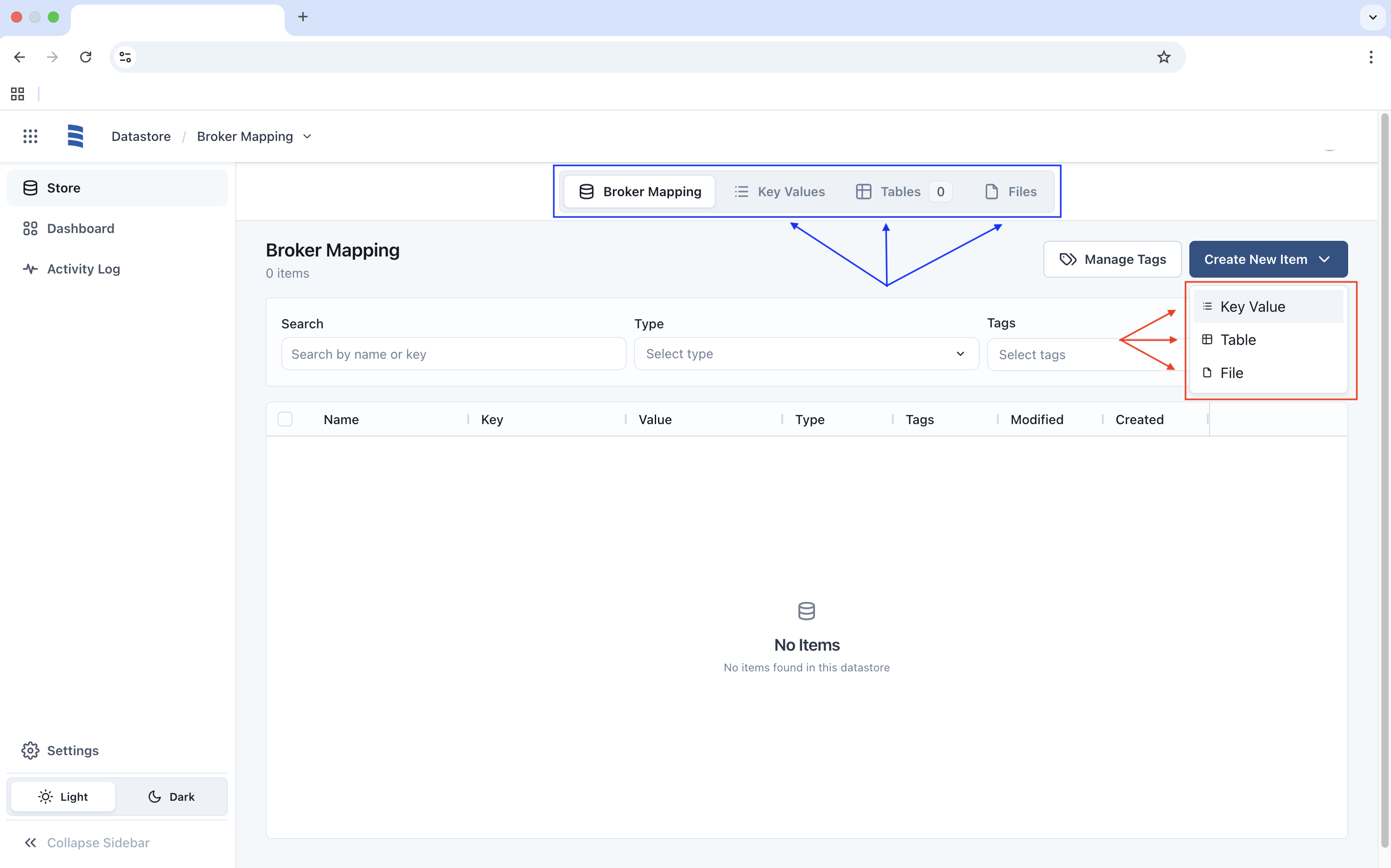
There are three options to store your data with each option allowing you to click on Create once you have entered your values. The available options are.
- Key Values: The ability to create individual keys with an associated value.
- Table: The ability to create a single key with multiple values inside.
- File: The ability to create a key with the value as a file.
Note: you can click on each subheading to filter your items (blue).